Actual Begins editorLocal sample document · Morrow
01CREATE YOUR FIRST DESIGN
Give your brand a place to start.
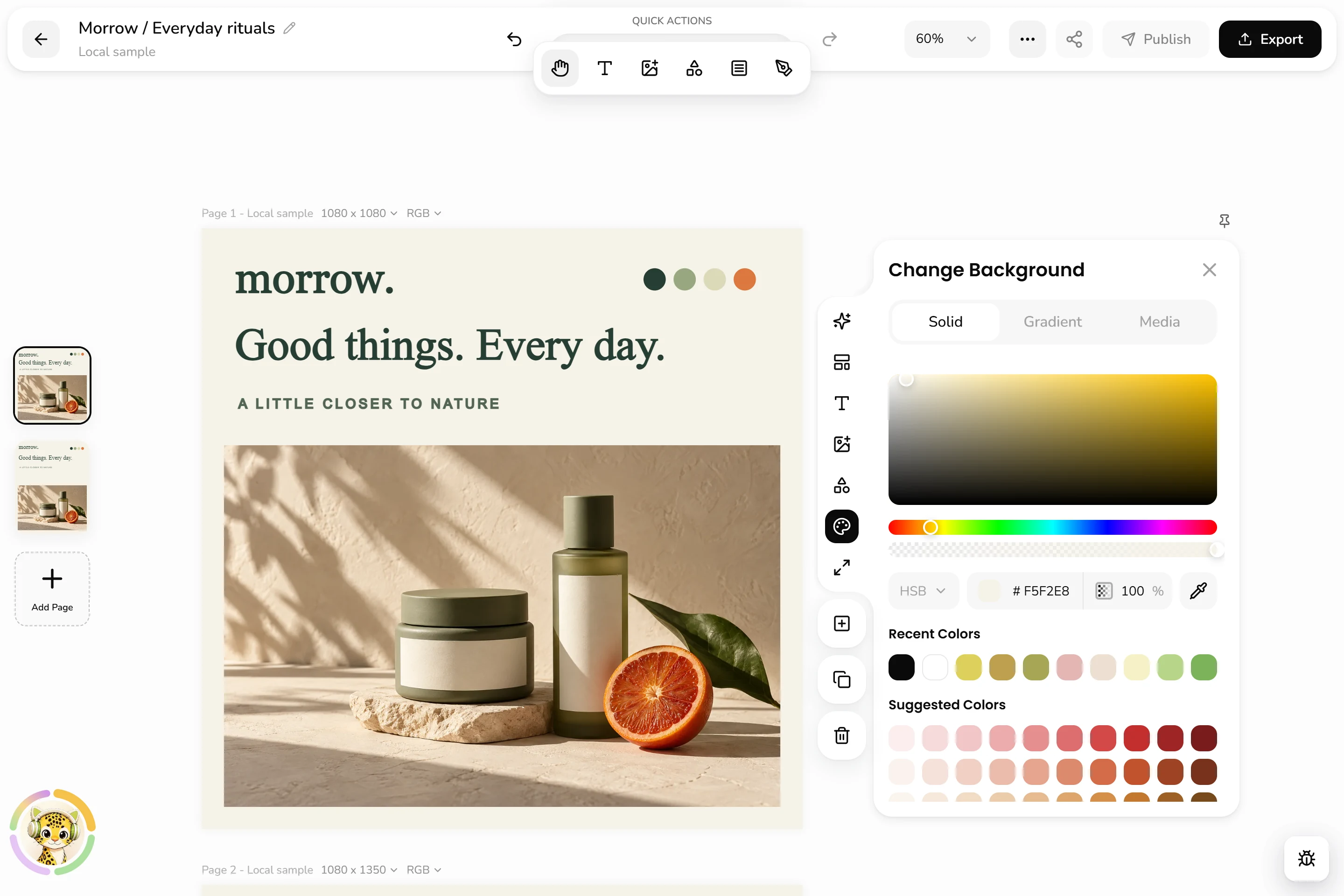
A photograph. A few words. A point of view. Bring them together on the canvas and give your brand its first visual expression.
Your own images
Editable text and shapes
A canvas you control
View full screen01Images, words, and a little intention.Canvas and colour · Actual interface
02REFINE THE DETAILS
Small choices. A stronger identity.
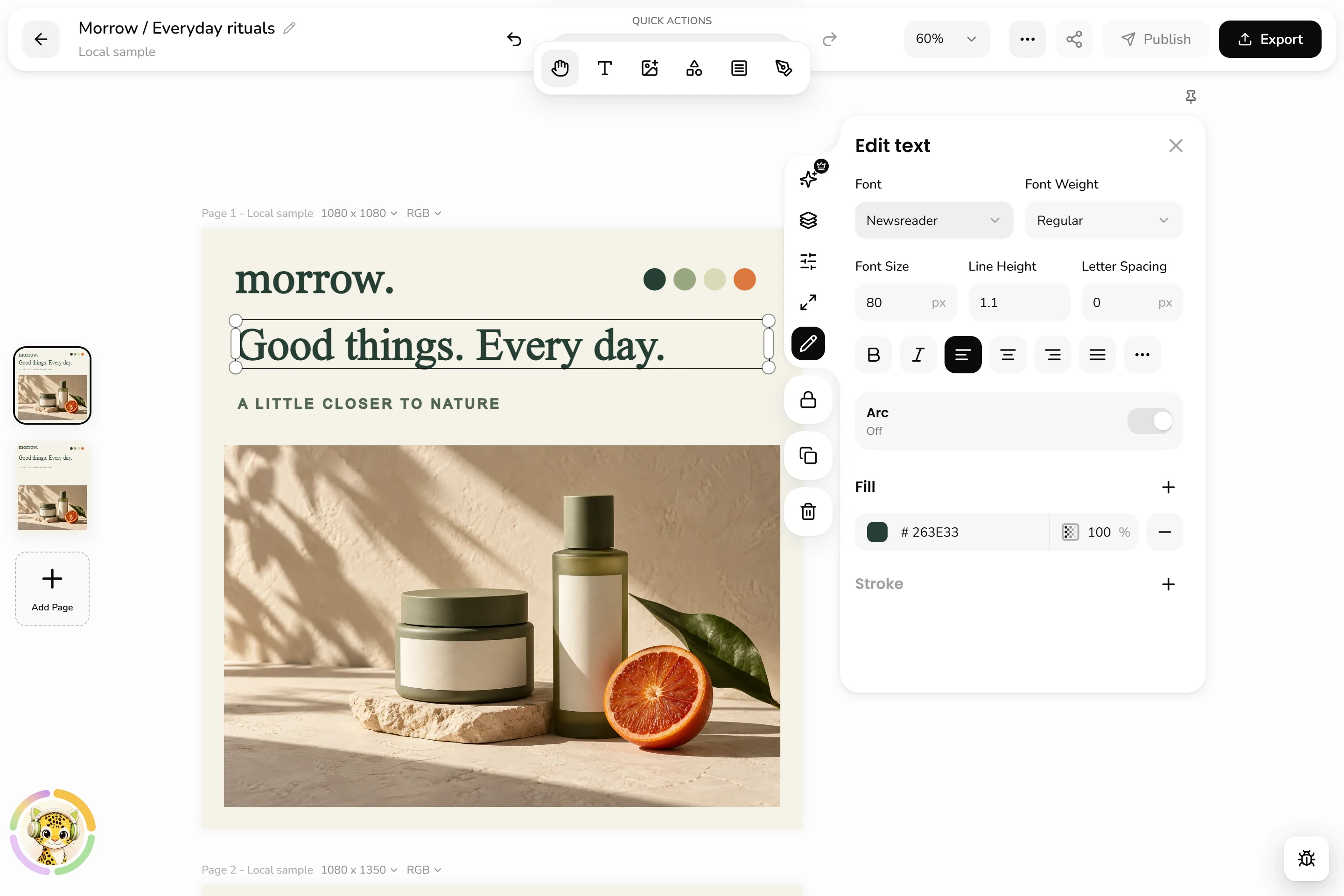
Find the right weight for a headline. Give the words some space. Adjust colour, size, and position until the design feels like yours.
Typography controls
Colour and spacing
Individual element editing
View full screen02Keep the idea. Make every detail count.Typography controls · Actual interface
03MAKE THE NEXT FORMAT
One direction. Room for what’s next.
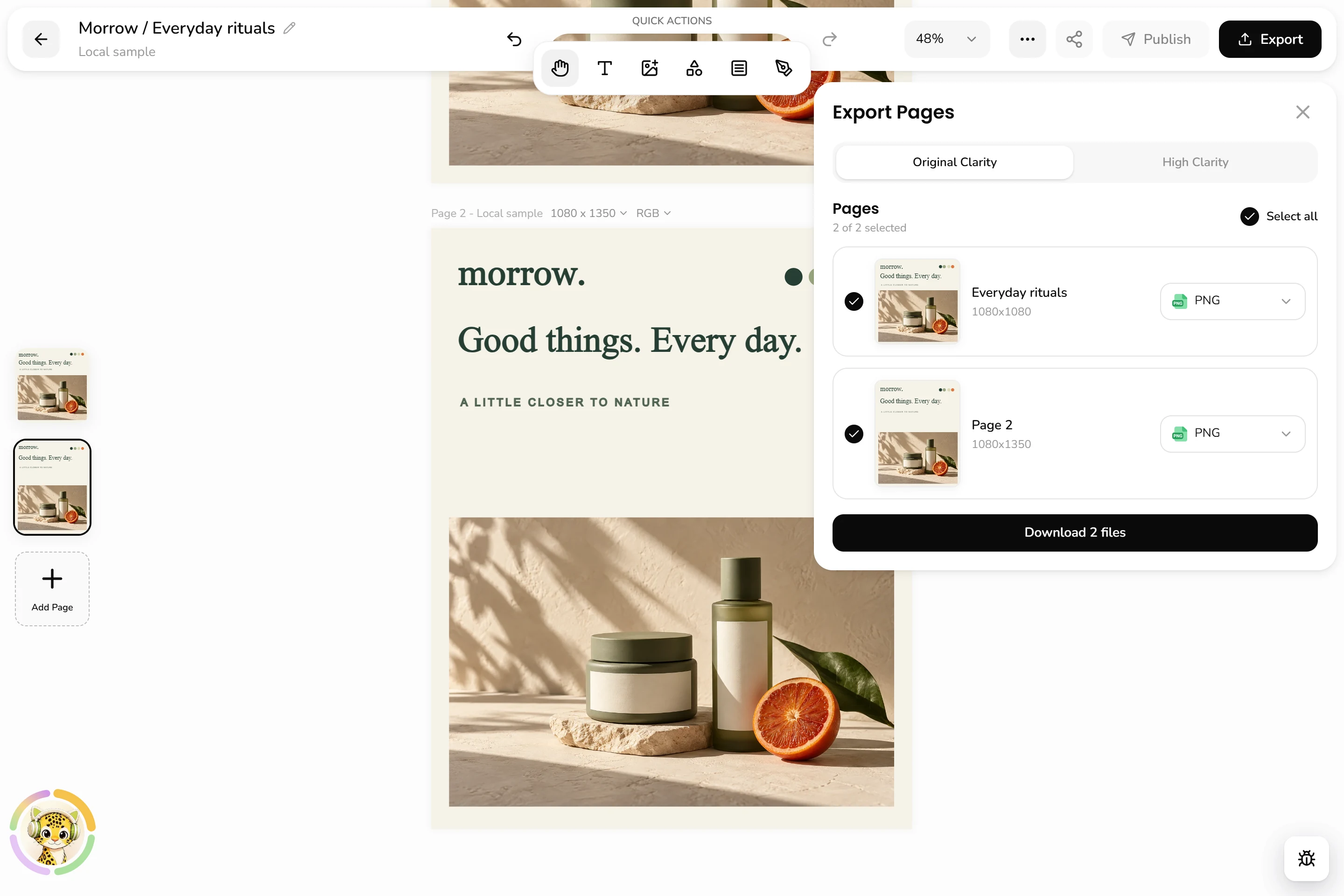
Take the design into another format. Duplicate a page, change its dimensions, and keep refining the composition for your next post or presentation visual.
Custom page dimensions
Duplicate and adapt
Square and portrait layouts
View full screen03A new format. The same point of view.Pages and formats · Actual interface
Morrow is an example brand shown in the current editor with a local sample document. These screens demonstrate manual editing; account setup, cloud saving, export, and publishing are not demonstrated.